
Hey guys,
Recently, I just bought Herd PRO (a yearly subscription). I’ve been using the basic Herd since the first release.
So, my latest work required interaction with S3 storage, there are several ways to achieve that in the local env:
Use Cloud (S3-compatible e.g. DigitalOcean, Vultr or use AWS’s S3 directly)
MinIO: S3-compatible storage, offer a self-hosted version
- I pick this
MinIO can be downloaded & run in several ways: Docker, Brew, etc.
I found out that Herd is supporting MinIO out-of-the-box (for the PRO version), that was the time I made the purchase decision).
So let’s check it out, to see the PRO features of Herd PRO.
Herd PRO features
Services
I love this, helps us to create and manage a lot of services/dependencies:
Database: MySQL, PgSQL, MongoDB
Cache: Redis
Queue: Redis
Broadcasting: Reverb
Search: MeiliSearch, Typesense
Storage: MinIO
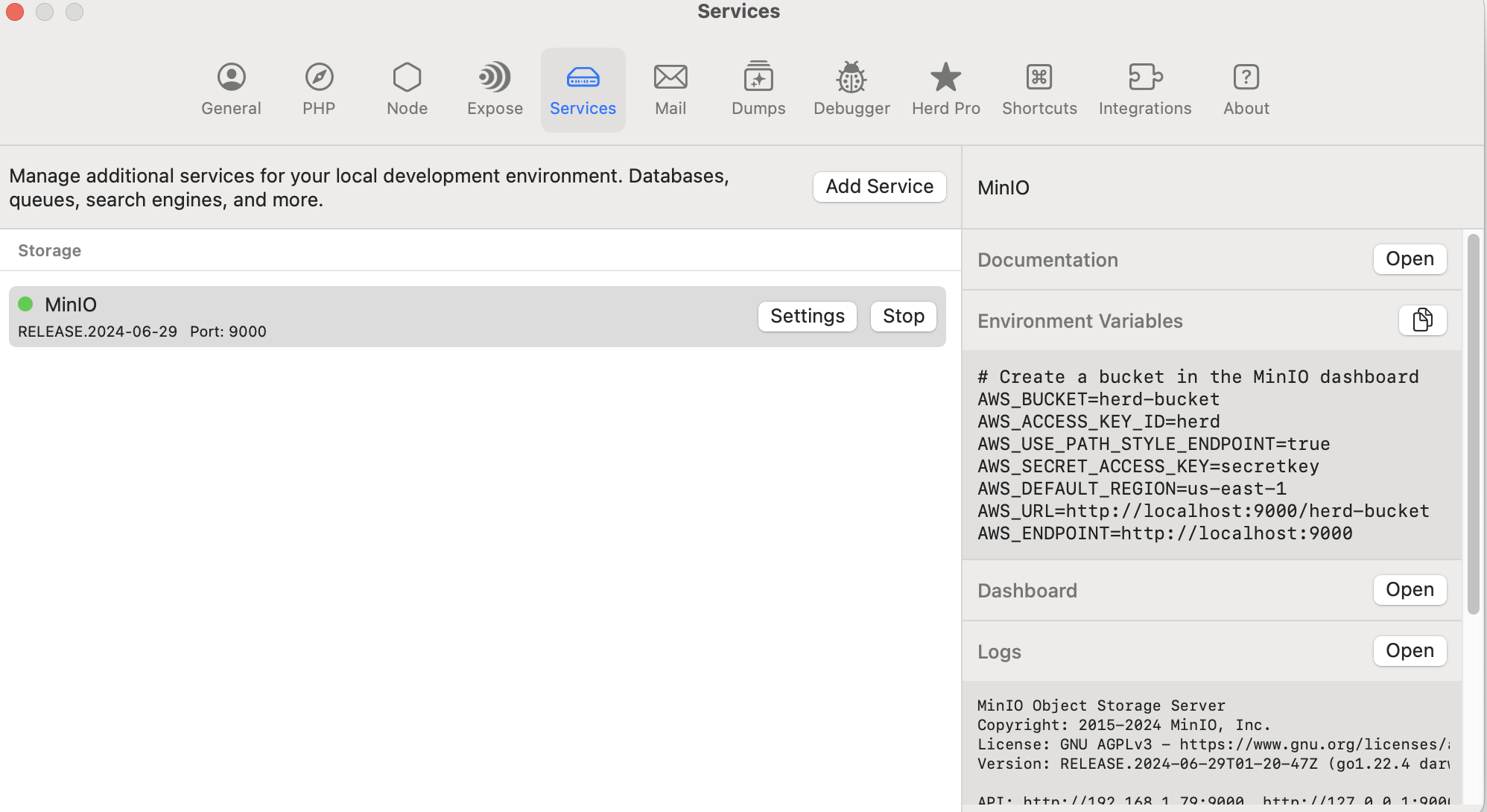
For instance, I created a MinIO instance, Herd gave me the instructions & ENVs (all I needed to do was copy & paste)
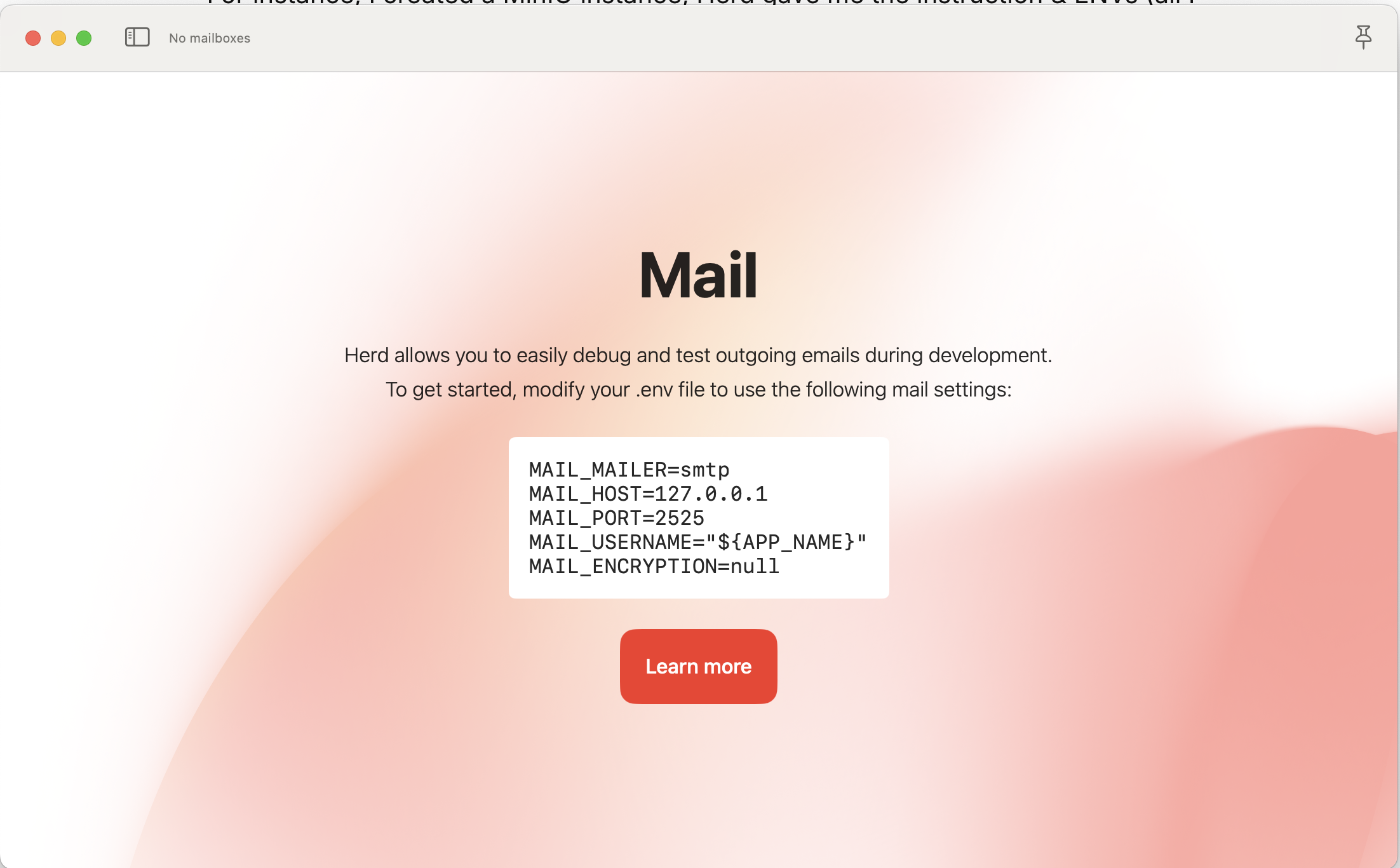
There are plenty of ways to test email locally, but now it’s getting way easier with Herd.
Typically, I’d use Mailtrap, but now, I’ll stick with Herd’s Mail.
Dumps
Dumps is amazing, unlike ray , it requires us to install a dependency (or dev-dependency), dumps doesn’t require additional dependencies.
We can use either dump or dd function to write the logs. It also writes the DB queries & Application Logs (logger).
Debugger
If you like to debug using breakpoint, Herd PRO provides an easy integration, glued between PHPStorm and XDebug.
Honestly, I’m not a fan of this so I won’t give you guys any reviews here.
Overall Reviews
I really like Herd PRO, my overall local development has been optimized a bit:
PHP (versions, update, etc) => Herd PRO
Database => Herd PRO (goodbye DBNgin 🥲)
- Optimized part here
Cache => Herd PRO
External services: Herd PRO
My overall source: 4.5/5.
To get 5/5, Herd PRO should be able to provide us these:
Ability to install extra PHP extensions. At the moment, installing a specific extension is not so cool, way too much hassle.
- If somehow
brewbumps the extension’s version, we have to update thephp.iniagain, I don’t like this.
- If somehow
Ability to run Laravel Queue Worker
Ability to set up Sites with custom domains or ports.
Conclusion
Well, as a person who loves to keep my local environment as minimal as possible, I do really love Laravel Herd. I can set up everything under the same Herd application.
If your applications are going to use more than a normal database, I’d recommend using Herd PRO. If not, let’s just stick with Herd Basic & DBNgin (Free).
Thanks for reading!
About the author
develops awesome software, contributes to OSS, writes tech tips, and loves Vietnamese milk coffee!
Comments
Join the discussionNo comments yet. Be the first to comment.


